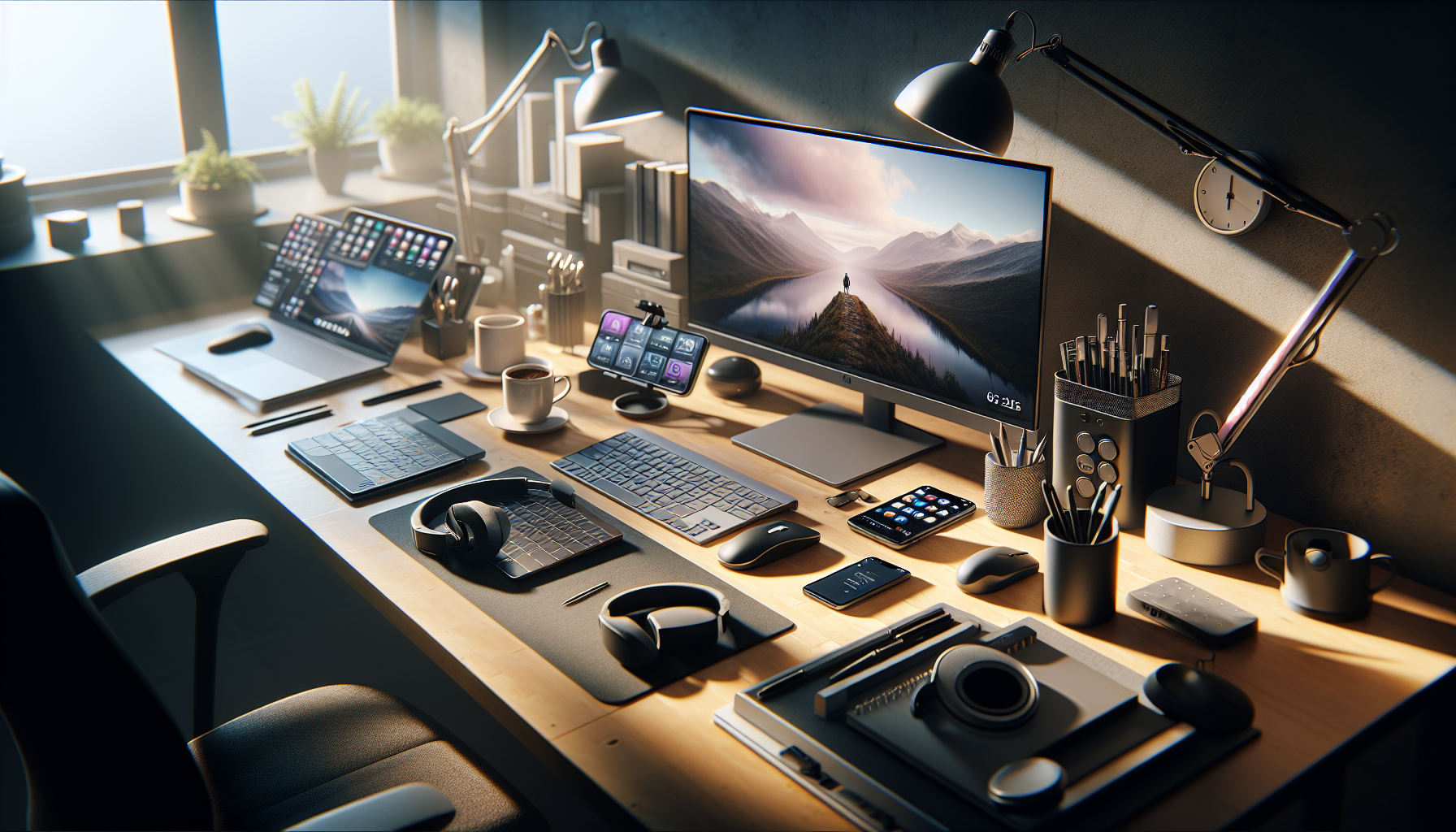
With the rise of remote work, the way we approach productivity has transformed dramatically. Whether you’re cozying up on your couch or parked at your kitchen table, having the right hardware gadgets can make all the difference. Let’s dive into some of the most effective tools designed to keep your motivation high and distractions low, all while ensuring you stay efficient.
Ergonomic Chairs: Your Back’s Best Friend
If you’re going to be sitting for hours on end, why not do it in style and comfort? An ergonomic chair is not just a luxury but a necessity for remote work. These chairs are designed to support your posture, reduce strain on your back, and keep you focused on the task at hand. It’s like having a personal assistant whose only job is to make sure your back stays happy.
Remember, when you’re comfortable, you’re more likely to dive headfirst into your work instead of leaning back and contemplating the mysteries of the universe (or your snack drawer). Invest in a chair that adjusts to your height, offers lumbar support, and possibly even comes equipped with wheels for those dramatic wheeled escapes to grab coffee.
Standing Desks: Rise Up!
Why sit when you can stand? Standing desks have taken the remote work scene by storm, and for good reason. Not only do they promote better posture, but they also help keep your blood flowing and your energy levels up. Plus, they give you an excuse to stretch and flex those legs during an intense Zoom meeting.
Consider a height-adjustable desk that lets you switch between sitting and standing with ease. Just make sure you don’t engage in too much enthusiastic standing; nobody wants to see someone doing a little jig mid-presentation. Remember, the goal is productivity, not auditioning for a dance competition.
The Magic of Monitors
If you’re still squinting at a laptop screen like it’s 2010, it’s time for an upgrade. External monitors can significantly enhance your workflow by providing more screen real estate. Imagine having a plethora of tabs open without needing to play a game of “which one is that again?” External monitors can also reduce eye strain, allowing you to focus longer and with more clarity.
For the ultimate setup, consider dual monitors. It’s like having a personal assistant who can pull up data while you work on that all-important presentation. Just tread carefully, or you might lose track of time while browsing the web for the latest cat memes.
Noise-Canceling Headphones: Tune Out the Chaos
We all know that one person who believes they’re the next Mozart but, unfortunately, they’re only composing symphonies of distraction. Enter noise-canceling headphones. These beauties will help you wrap yourself in a personal sound bubble, allowing you to tune out unwanted noises—like your neighbor’s questionable taste in music or the sound of someone microwaving fish.
Whether you’re blasting your favorite study tunes or listening to an inspiring podcast, noise-canceling headphones can create a focused atmosphere that boosts your productivity. Just remember to take them off during breaks; no one can enjoy a good laugh through a pair of headphones, especially if you’re 5 minutes into a Dad joke.
Smart Home Devices: Control with a Tap
If you’re still fumbling with light switches and remote controls, it’s time to enter the smart home era. Smart home devices can uplift your remote work experience by allowing you to control your environment with a simple command or tap. Imagine adjusting the lighting or temperature without leaving your desk!
A smart thermostat can keep your office at the perfect temperature, while smart lights allow you to set the mood—whether it’s a cozy warm glow for creative brainstorming or bright white light for serious work mode. Just be careful, or you might end up spending more time optimizing your workspace than actually working.
Webcams & Microphones: Look & Sound Your Best
Let’s face it; no one wants to show up to a video call with a potato-quality webcam or an echoey microphone. Investing in a good webcam and a quality microphone can enhance the way you communicate with your team and clients. First impressions matter, even on screens!
When choosing a webcam, opt for one that has at least 1080p resolution. It’ll be easier for colleagues to accept your pitch when they’re not distracted by your pixelated visage. Likewise, a solid microphone will ensure you sound crystal clear, not like you’re speaking from the depths of the ocean.
Cable Management Solutions: Out of Sight, Out of Mind
One of the biggest distractions in a home office can be the dreaded tangling of cables. If you’ve ever found yourself wrestling with a ball of wires, you know what I’m talking about. Investing in cable management solutions will keep your workspace tidy and enable you to focus.
Cable trays, clips, and sleeves can help to ensure that your workspace doesn’t resemble a tech graveyard. Plus, nothing says “I have my life together” quite like a clean, organized desk devoid of rogue cables.
Final Thoughts
As remote work continues to flourish, equipping yourself with the right hardware gadgets can transform your productivity and work experience. From ergonomic chairs to smart home devices, each tool plays a part in creating a remote workspace that is not only functional but also enjoyable. Now, who’s ready to unleash their productivity superpowers?